Secure Your Digital Life with the Best Password Managers: A Comprehensive Guide to Bitwarden, 1Password, and More
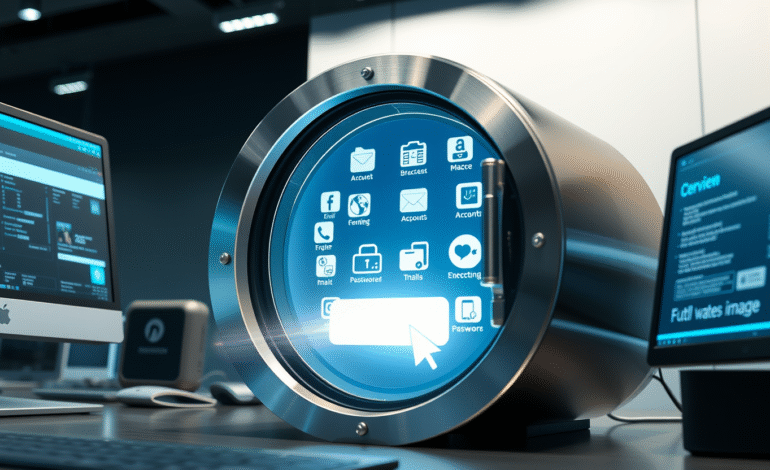
Password managers serve as the digital equivalent of a secure vault for storing and managing passwords, offering an essential layer of security in today’s increasingly connected world. Despite their importance, many users continue to rely on weak passwords such as ‘123456’ or ‘password’, owing to a lack of knowledge about strong password practices and the difficulty of remembering multiple complex passwords.
To mitigate this issue, it’s crucial to offload the task of memorizing passwords to dedicated password managers like Bitwarden, 1Password, and Dashlane. These services not only provide convenient storage for your passwords but also assist in creating robust, secure passwords, thereby reducing the risk of falling victim to password-based attacks.
While web browsers offer built-in password managers, their security and functionality are limited compared to dedicated password management solutions. Although browser-stored passwords are encrypted, they can be easily decrypted if someone gains access to your device. It’s best to avoid relying on these password managers in such scenarios.
Apple’s iCloud Keychain is another built-in option that works seamlessly with Safari and other Apple devices. While it offers decent security for Apple users, its limitations lie in its lack of support for non-Apple devices. If you’re fully committed to the Apple ecosystem, however, this could be a viable, free alternative worth considering.
An ongoing initiative to eliminate passwords has been spearheaded by the FIDO Alliance, an industry group dedicated to standardizing authentication methods online. The latest effort to achieve this goal involves passkeys – cryptographic keys managed by your device (usually your smartphone) that are easy to generate and protected by biometrics or PINs. Passkeys eliminate the need for memorization since they consist of key pairs, one public and one private, which a website can compare for authentication purposes.
Most password managers, including Bitwarden and 1Password, now support passkey storage, generation, and syncing, making it easier for users to transition towards this more secure method of authentication. In fact, Bitwarden allows you to log in using a passkey, effectively minimizing the need for traditional passwords.
A password manager functions by encrypting your passwords behind a master password, providing an easy-to-remember access point for multiple complex passwords across various accounts. The best password managers employ advanced encryption techniques and adhere to zero-knowledge or zero-access security architectures, ensuring that the service has no access to your passwords and cannot decrypt them.
Bitwarden stands out as a highly secure, open-source, and free password manager with user-friendly applications across multiple platforms, including Android, iOS, Windows, macOS, Linux, and all major web browsers. Bitwarden also supports Windows Hello, Touch ID, and biometric authentication on its desktop apps, providing an extra layer of security.
Bitwarden’s browser extension offers semi-automated password fill-in functionality, making it easy to switch between usernames without facing the pitfalls of autofill. It also supports fully automated form-filling, file sharing through Bitwarden Send, and a built-in 2FA authenticator app (available as a premium feature).
By employing a password manager like Bitwarden, users can ensure strong, unique, and secure passwords across all their accounts while enjoying the convenience of autofill features. As the world continues to move towards more advanced authentication methods such as passkeys, it’s essential to adopt password managers that support these technologies for seamless transition and enhanced security.